
Before students can type a word, search for a book or finish an online activity, they need to get the cursor where they want it. For our youngest learners, that takes practice.
Cursor Island is our new Digital Literacy lesson for grades K-2, and it’s built for exactly that moment. Seven playful activities take students from a single click all the way to combining every core cursor skill.
What’s on the island
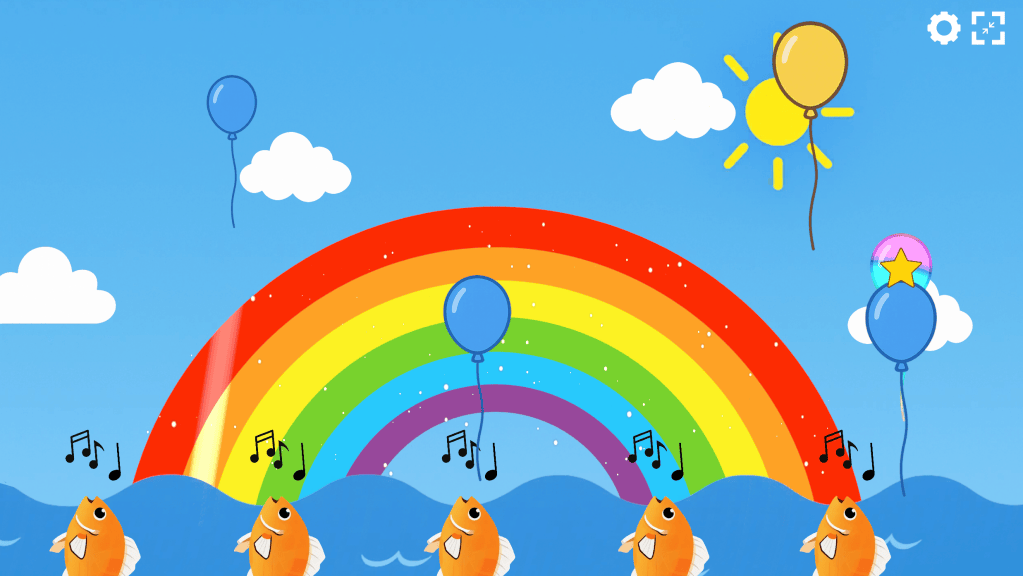
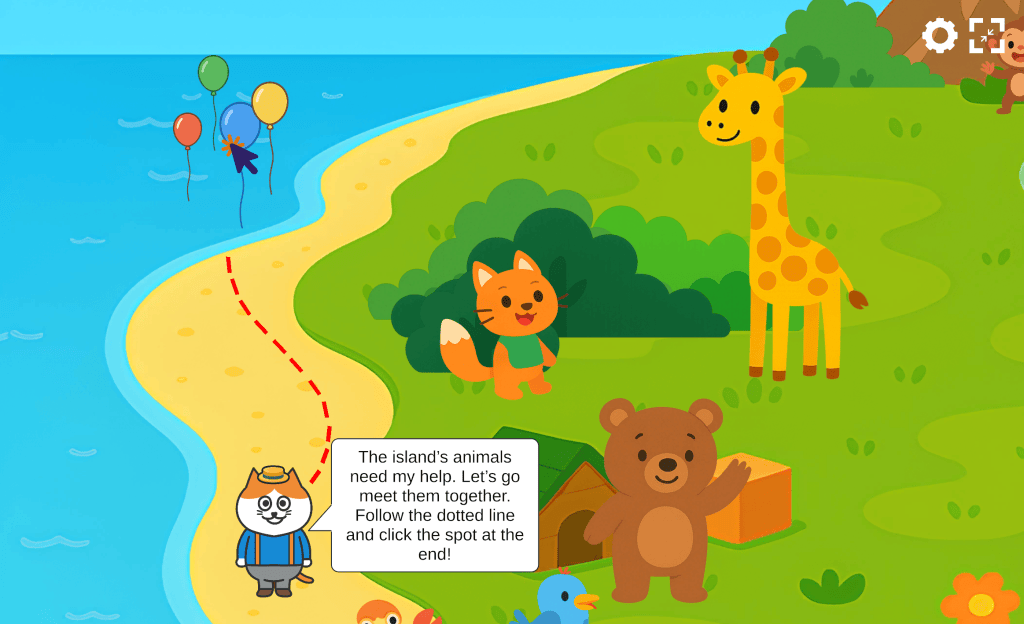
Students explore an island full of friendly characters and earn a trophy for every activity they complete. They’ll meet singing fish under a rainbow full of balloons, dress up a giraffe with hats, bows and sunglasses, help a mouse find the right flower, and guide a little bird through its first flight, among other adventures.
Each activity builds on the one before. Along the way, students practice:
- Clicking
- Scrolling
- Double-clicking
- Dragging and dropping
The final challenge brings them all together, so students leave the island using all four with confidence.
Mouse and touchpad, both covered
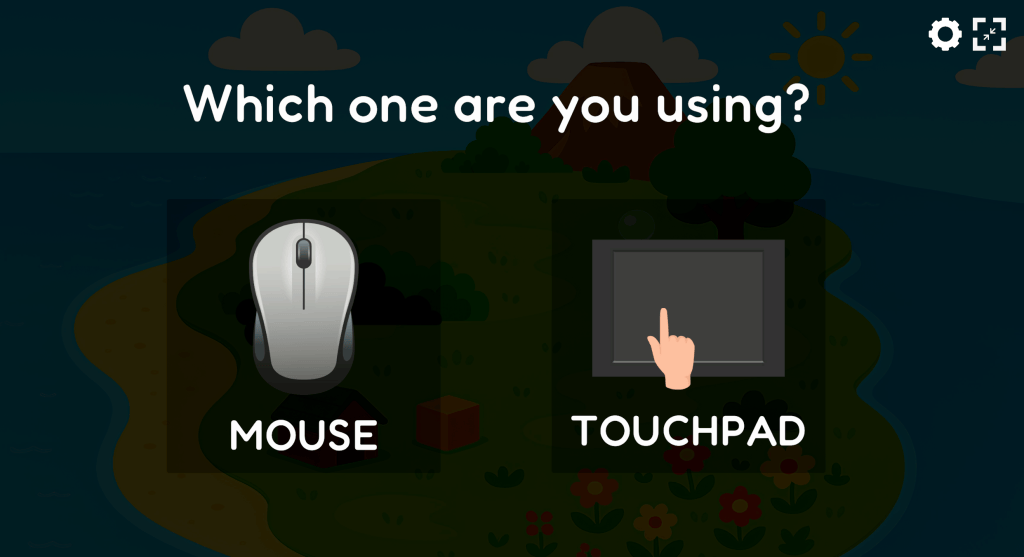
Plenty of classrooms run on Chromebooks and laptops with no mouse at all. Cursor Island covers both a mouse and a touchpad, so students practice on the device they actually use every day.
Where to find it?
Cursor Island is part of the Digital Citizenship Curriculum in TypeTastic School Edition. If your school or district already has it, the lesson is waiting in your account under Digital Literacy.
Don’t have the Digital Citizenship Curriculum yet? Request a free trial and explore Cursor Island with your students.
Until next Adventure,
The TypeTastic Team

